
Blade UHD
Entertainment
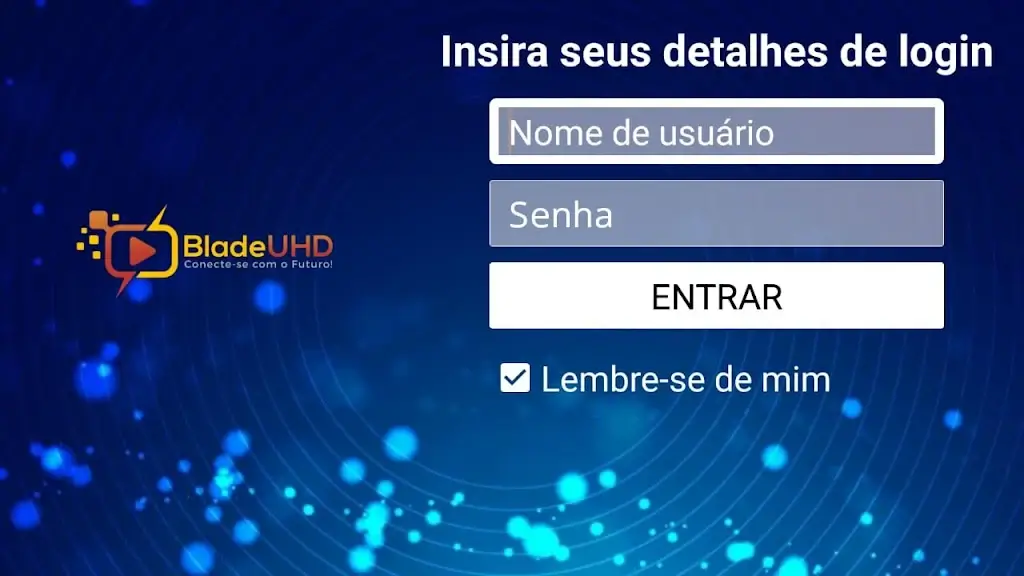
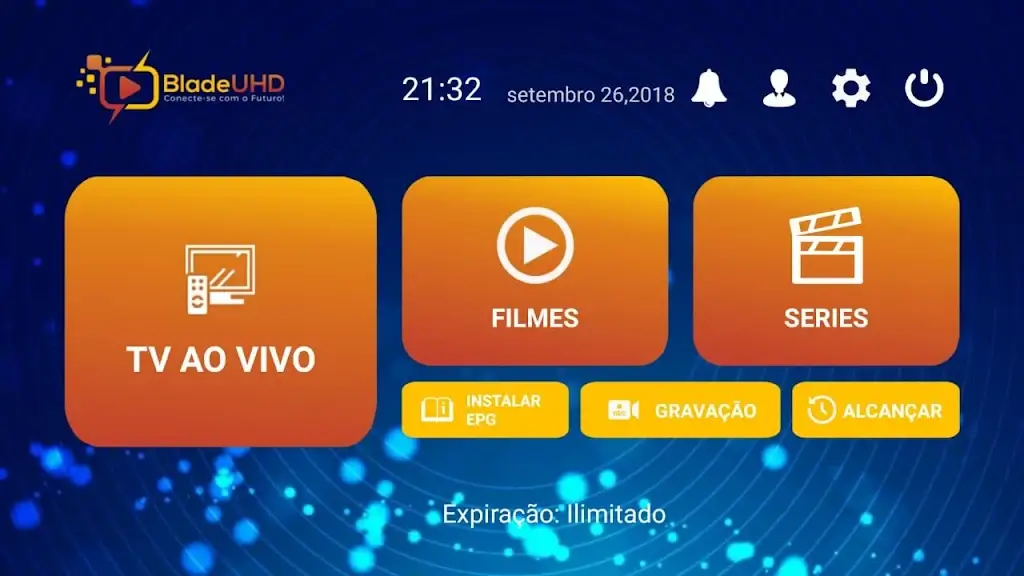
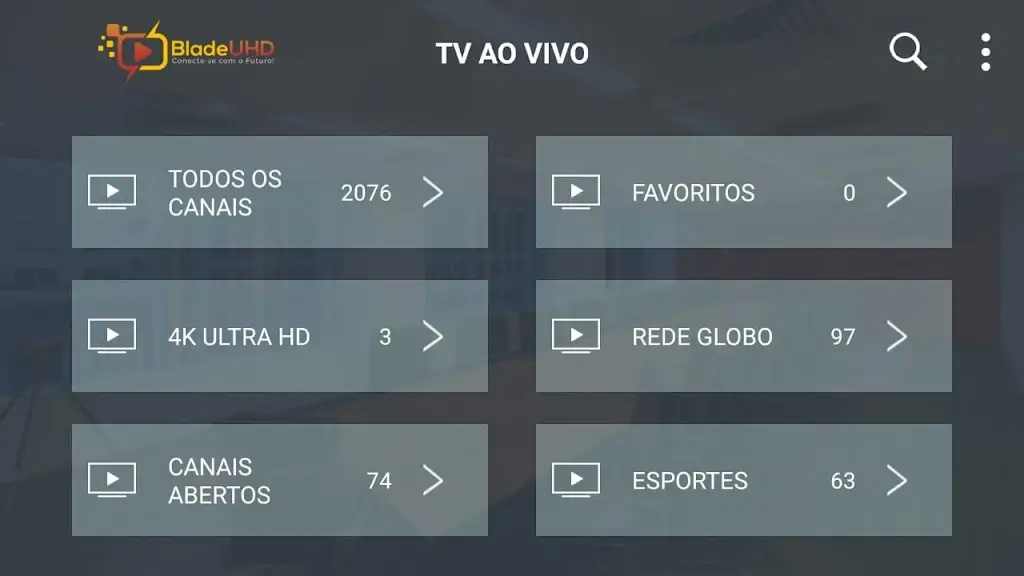
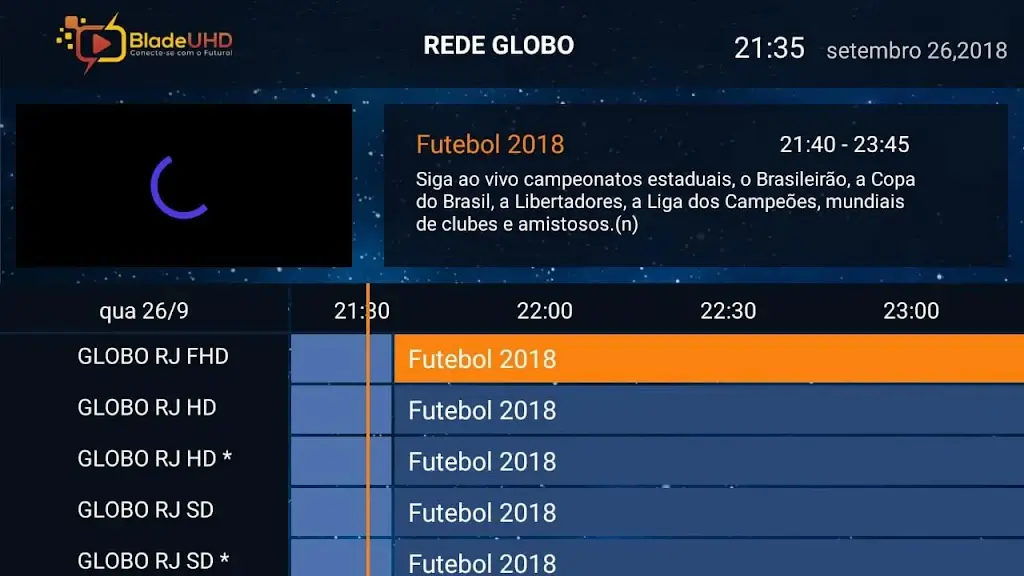
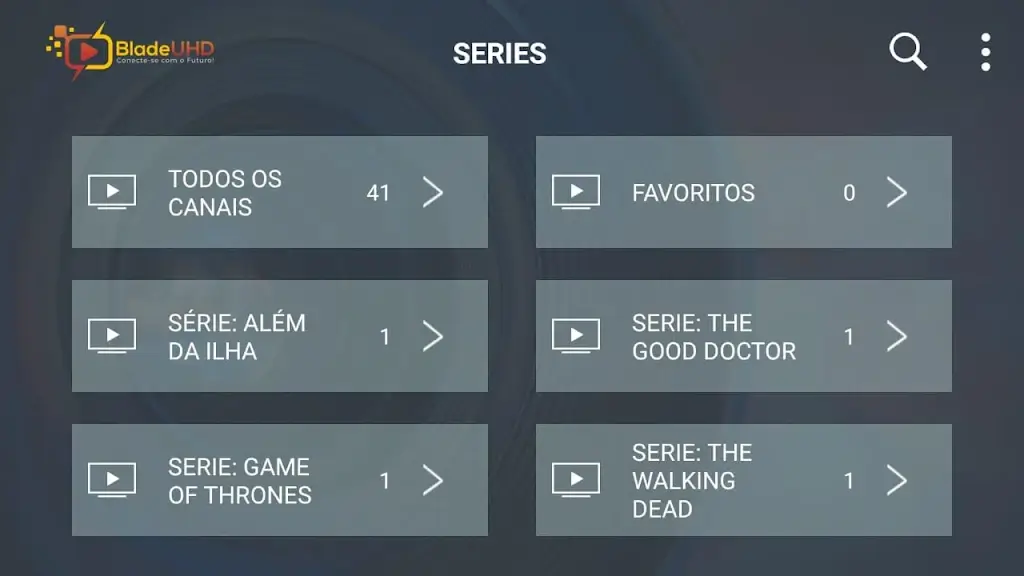

Blade UHD is an Android streaming application that focuses on delivering high‑definition video content. If you want a lightweight app for watching movies and TV shows without a heavy footprint, this page provides the essential details you need.
Below you’ll find quick facts, installation steps, troubleshooting tips, and a brief comparison with other popular streaming services. All information reflects the latest official release as of December 30 2023.
Quick Information
| App/Game Name | Blade UHD |
| Latest Version | 3.1.8 |
| Developer | Not listed |
| Category | Apps / Entertainment |
| App Size | 27 MB |
| Package Name | com.nathnetwork.bladeuhdpro |
| Last Updated | 30 December 2023 |
What Is Blade UHD?
Blade UHD positions itself as a free‑to‑use video streaming app. Its core purpose is to let users browse and play movies or series in high resolution directly on their Android devices. The app targets users who prefer a simple interface and a modest download size (27 MB). Because the developer is not listed, official support channels are limited, and the app does not display public ratings or download counts.
Compatibility
Compatibility
| Android Version | ✓ Verified — 5.0 & Up |
| Architecture (ARM64 / 32-bit) | Not Verified |
| Internet Connection | ✓ Verified — May be required for ads, updates, or login |
| Storage Needed | Not Verified |
| OBB/Data Files | Not Verified |
| Root Required | Not Verified |
How to Install
- Enable installations from unknown sources: Settings → Security → Allow installation of apps from unknown sources (or use the specific permission for the browser/file manager you’ll use).
- Download the Blade UHD APK file to your device.
- Locate the downloaded file using a file manager and tap it to start the installation.
- Follow the on‑screen prompts and tap Install.
- Once installed, open the app and grant any requested permissions (e.g., storage for caching video files).
Troubleshooting
- App not installed error: Verify that the APK is compatible with your Android version and that you have allowed installations from unknown sources.
- Crashes on startup: Clear the app cache (Settings → Apps → Blade UHD → Storage → Clear cache) and ensure your device has enough free storage.
- Streaming fails or buffers endlessly: Check your internet connection, try switching between Wi‑Fi and mobile data, and make sure any VPN or firewall isn’t blocking the app.
- Login or account issues: If the app requires an account, double‑check your credentials and consider resetting the password through the app’s website.
Safety & Security
Blade UHD is distributed as an APK outside official app stores. Before installing, verify the source’s reputation and scan the file with a trusted antivirus app. Review the permissions the app requests; if it asks for access unrelated to video playback (e.g., contacts, SMS), consider it a red flag. Keep in mind that updates from unofficial sources may overwrite the app and could introduce instability.
How Blade UHD Compares
| Feature | Blade UHD | Netflix | YouTube |
|---|---|---|---|
| Price / Free model | Free (ad‑supported) | Subscription‑based | Free with ads / Premium option |
| Platform availability | Android only (APK) | Android, iOS, Web, TV | Android, iOS, Web, TV |
| Standout feature | Lightweight high‑definition streaming | Original productions and extensive library | User‑generated content and live streaming |
| Best for | Users who want a simple, low‑size streaming app | Subscribers seeking curated movies & series | Anyone looking for free video content and creators |
Alternatives
- Netflix – A subscription service with a vast library of movies, series, and original content, available on most devices.
- YouTube – Free video platform offering a mix of user‑generated and official channels, plus a Premium ad‑free tier.
- Amazon Prime Video – Part of the Amazon Prime subscription, providing a large catalog of films and TV shows.
- Hulu – US‑focused streaming service with current TV episodes, movies, and original series.
- VLC for Android – A versatile media player that can stream local and network video files without ads.
Final Verdict
Blade UHD offers a compact, free option for high‑definition video streaming on Android. It’s suitable for users who value a small download size and are comfortable installing APKs from external sources. However, the lack of official support, unknown developer, and absence of a clear update schedule mean you should weigh the convenience against potential security and stability concerns. If you need a more robust, regularly updated service, consider one of the mainstream alternatives listed above.
Frequently Asked Questions
Only install the APK from a trusted source, scan it with an antivirus, and review the permissions it requests.
The latest released version is 3.1.8, updated on 30 December 2023.
The specific Android version requirement is not listed; the app should run on most modern Android devices.
No extra OBB or data files are mentioned for the standard installation.
Check that you have allowed installations from unknown sources and that the APK matches your device’s architecture.
Yes, you can install the new APK over the previous one; the installer will replace the older version.
No MOD build has been identified for Blade UHD; the available file is the official APK.
At 27 MB, the app is lightweight, but streaming video can consume data and battery, as with any media player.